Author Archives: Hans Schiefelbein

About Hans Schiefelbein

In pursuit of a healthy and disciplined lifestyle. My goal is to help people attain and sustain their health.

S3E9 Packers vs Vikings

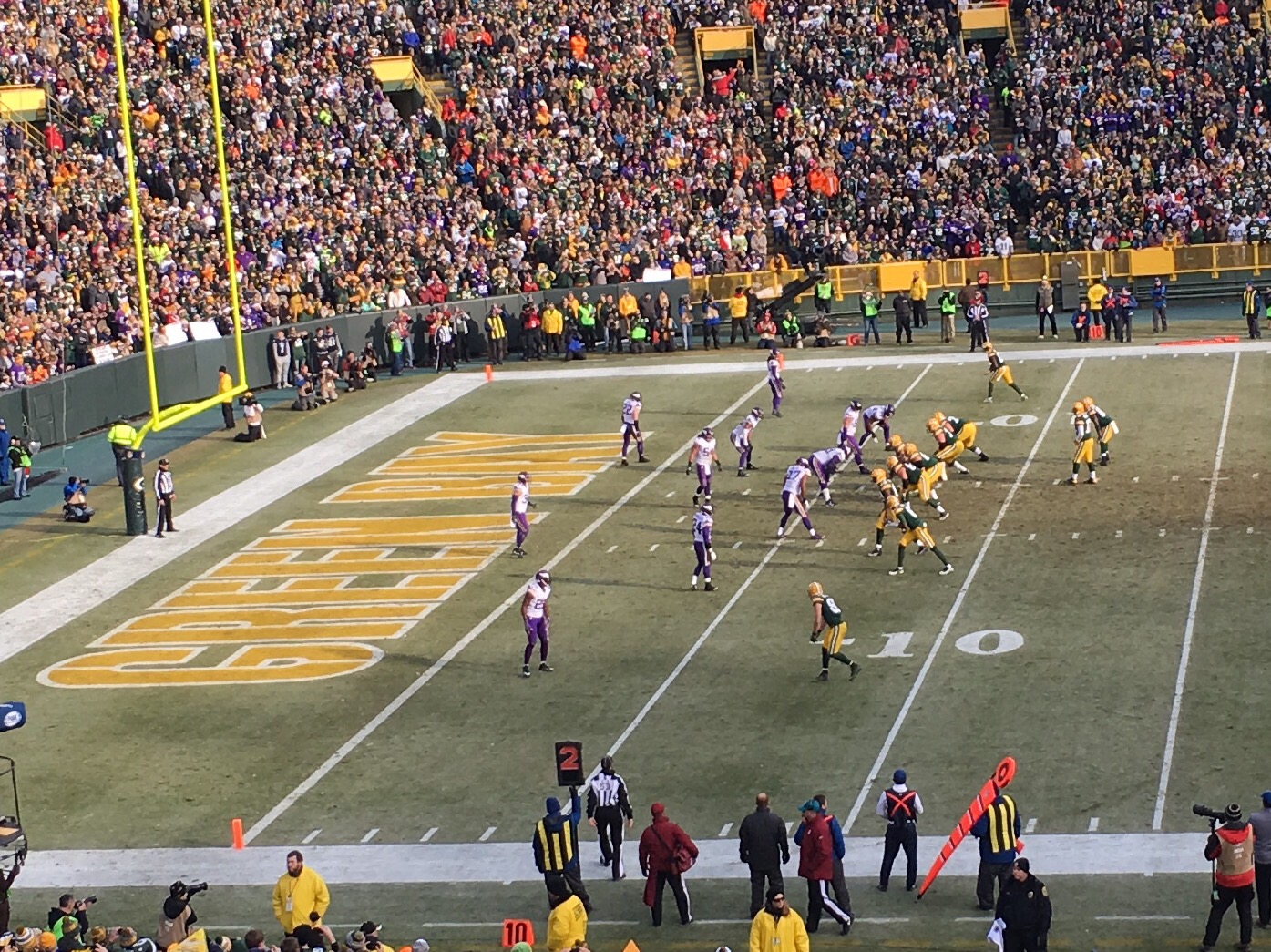
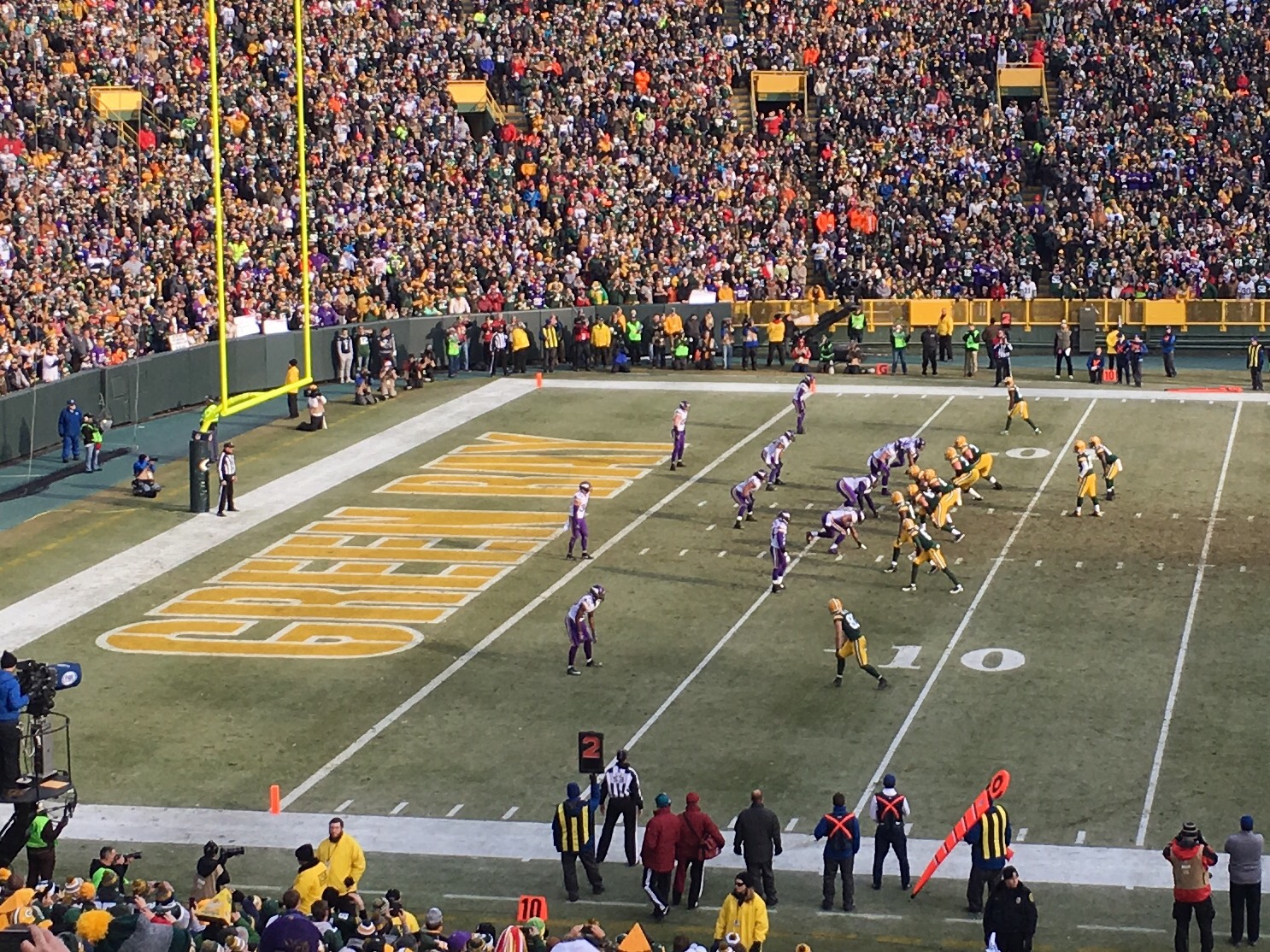
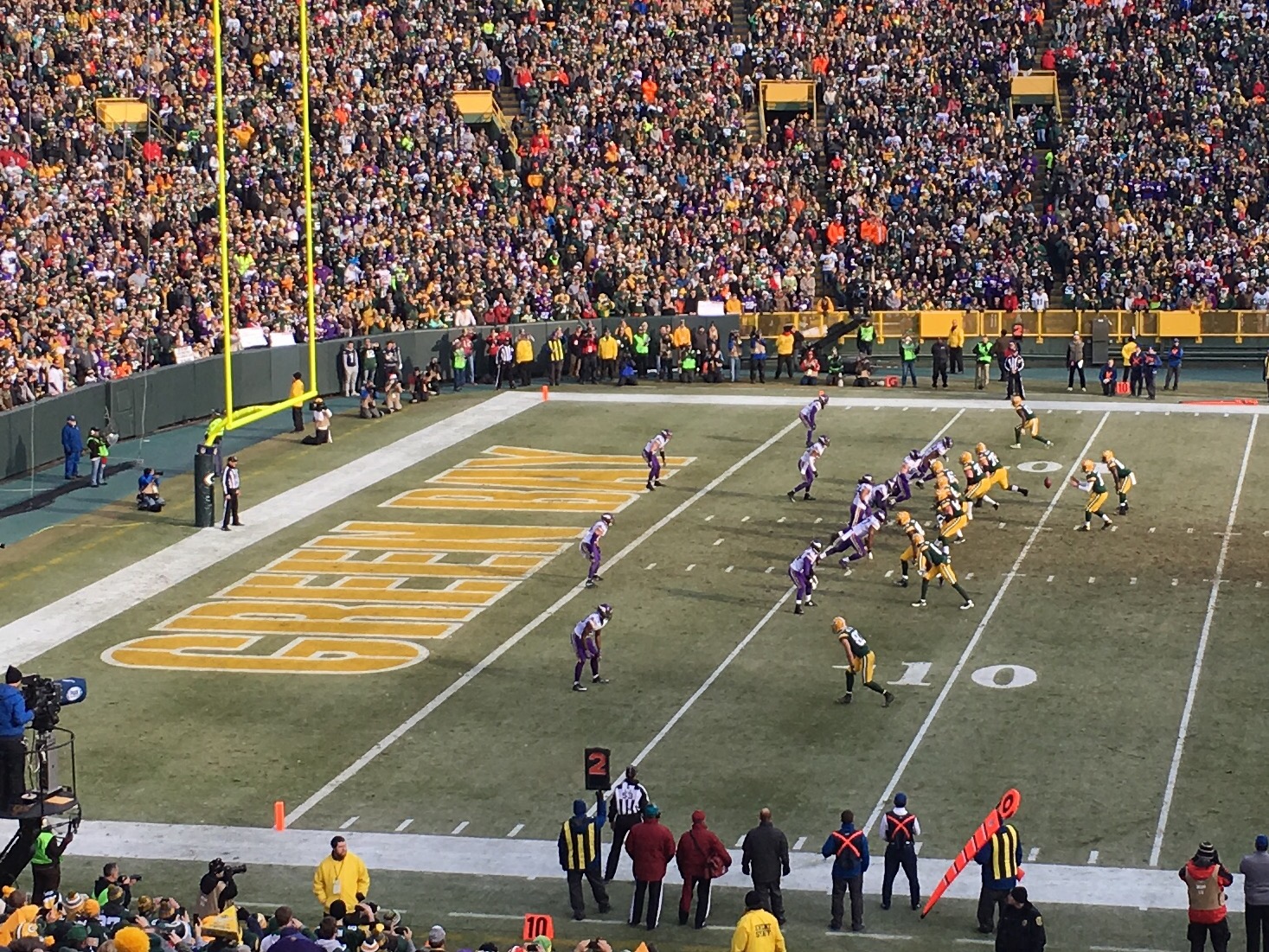
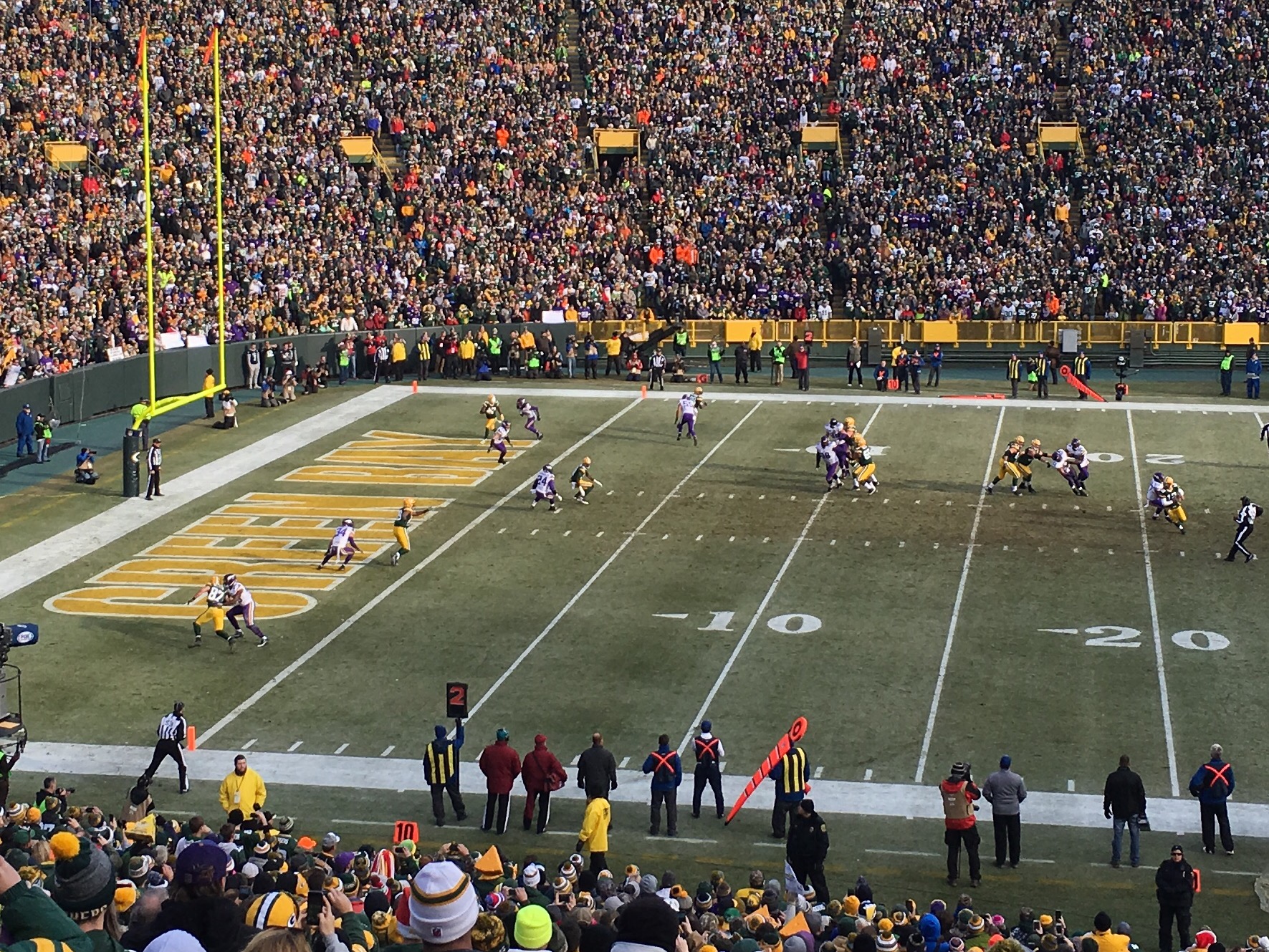
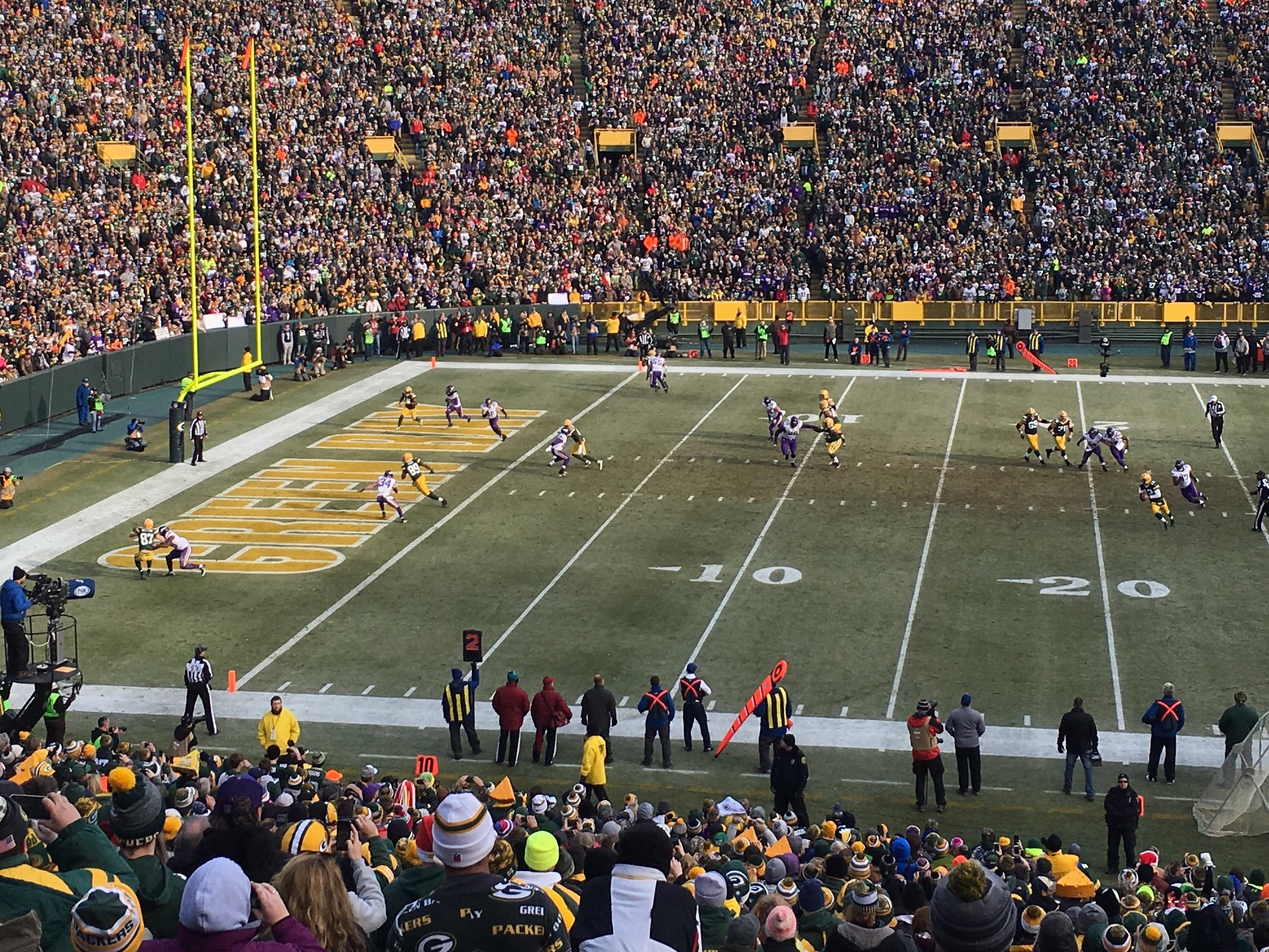
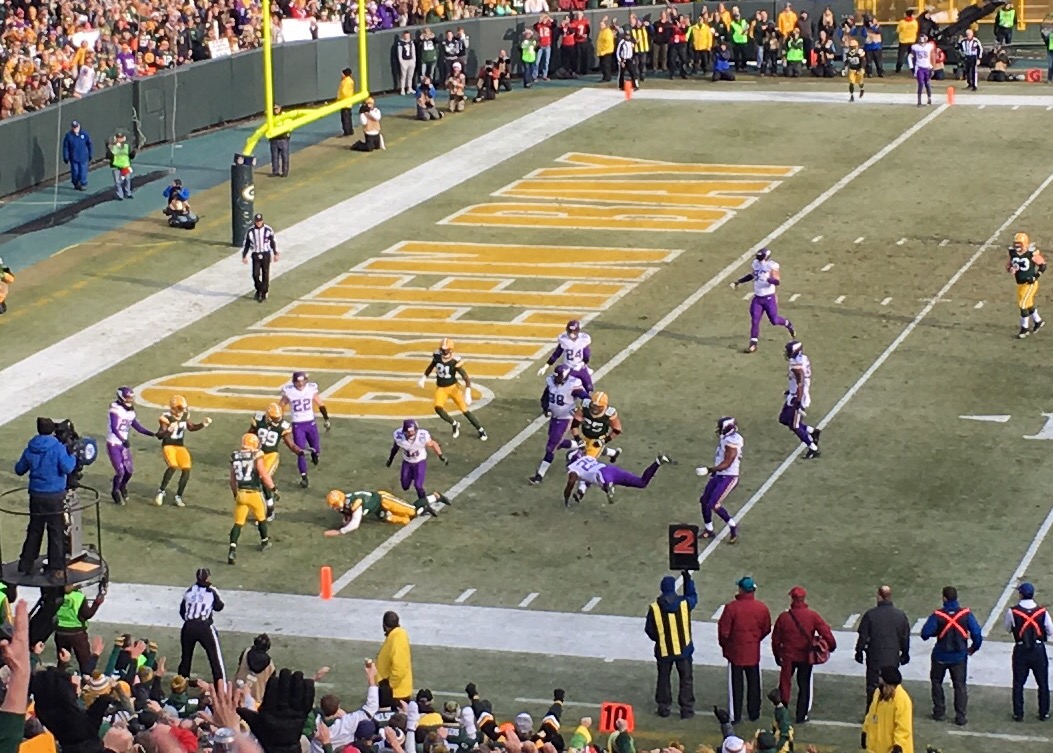
Hans’ trip to Lambeau.

This week includes a special story as Hans got to see a divisional game in December, Christmas Eve of all days!!! Huge tha katie schiefelbein to Katie for the best surprise Christmas gift ever!

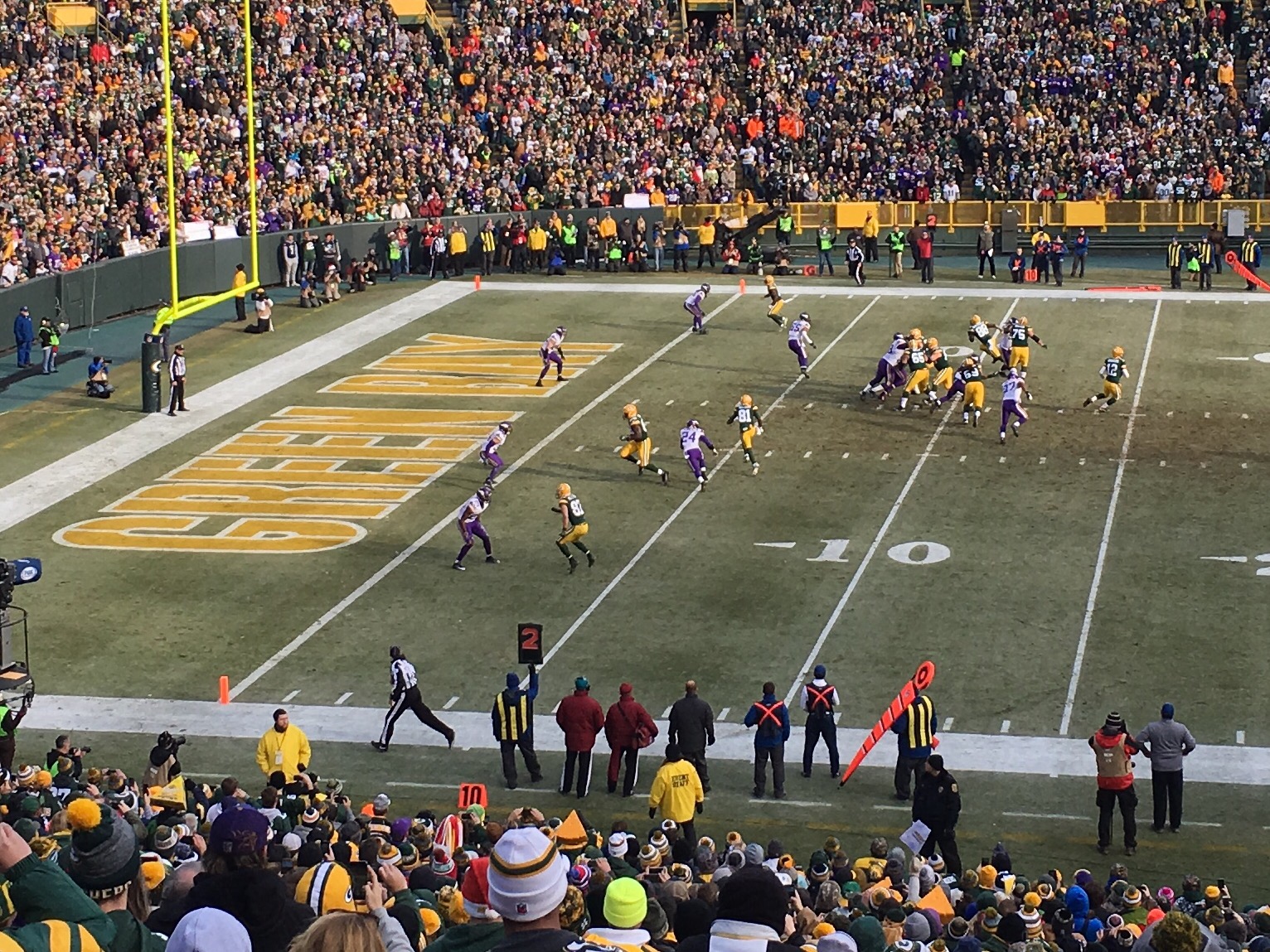
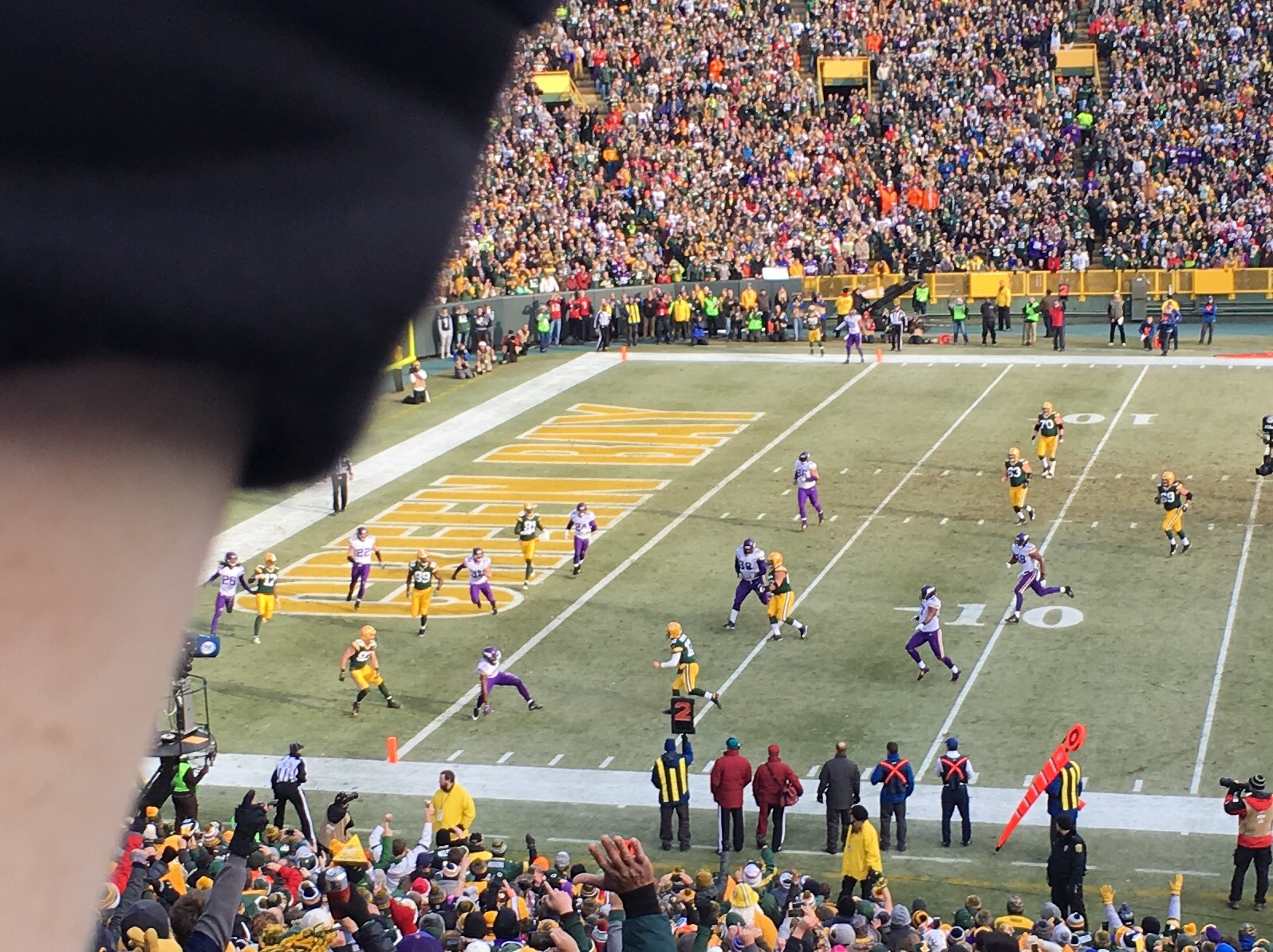
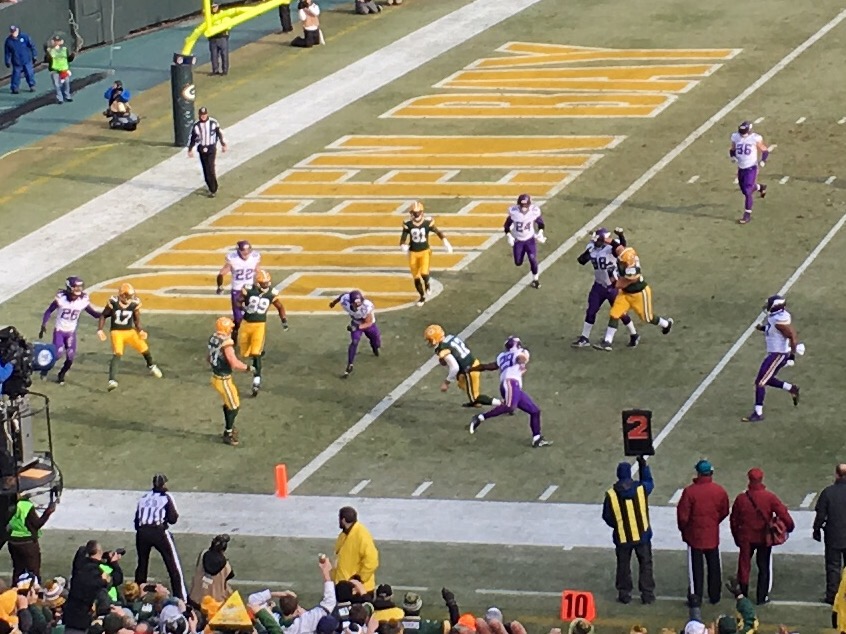
Below is my view of Rodgers’ TD run. 


What a play by the QB #12

One of my favorite weekly routines

My work typically starts at 5:40 every morning. Don’t feel sorry for me; I’m a morning guy and I’m doing work I absolutely love. Lately my Friday client load has been starting later, 7:20 to be exact. This has allowed me to get to favorite coffee shop first thing in the morning. They open at six and there’s only a couple regulars that sometimes beat me to the register.

Why get up early when I could instead sleep another hour? Two reasons. First, I have found that if I get up at the same time every day I’m much better off. Second (and much more importantly) it gives me space to get my head right. By Friday there are usually unfinished tasks, new duties and ideas to process, and limited time to wrap it all up. The Firefly at 6am Friday helps me finish well.

Christmas Music 2016

Music has always been a big part of my Christmas season. In high school I loved decorating Mr. Brooks’ choir room while listening to Christmas music starting the Monday after Thanksgiving. For as long as I can remember singing Christmas carols in church has always warmed my soul. My dad often sang a solo of Oh Holy Night at our Christmas Eve service. Christmas is way more than music, but songs get my heart and mind ready for the season.

Giving Gifts: Our Talents

Since becoming a Christian in 1998, Christmas has grown deeper in meaning to me and to my family. And songs have played a big role all along the way. Lately I’ve spent a lot of time thinking about gift-giving and gift receiving. I’ve leaned heavily on my faith as I’ve learned what it means to give a great gift. It was in this spirit that I wrote one of my favorite blog posts as I contemplated the full breadth of Little Drummer Boy. It ended up being a four-part series including the introduction based on my favorite rendition of the song by Jars of Clay. If you only have a couple minutes, check out Scene 2 and Scene 3. With that commentary as a backdrop, gift-giving has a new meaning: we can bring ourselves and our talents.

Giving Gifts: “The Christmas Album You Need”

This past Sunday I posted:

I got a bunch of responses, some expected and some I never saw coming. I proceeded to take each person’s comment and create a Spotify playlist: I offer you 2016 Friends Christmas album.

Late on Sunday I got a text from my friend Todd. He saw my Facebook post and wanted me to know that he had bought be “the Christmas album you need.” Monday morning I downloaded it and by 5:30am I was listening to a brand new album because of the generous gift of a friend.

It takes me back when I think about the role of music this Christmas season. The Spotify playlist is nothing special except it is! There is nothing unifying that playlist except they are the 16 friends who decided to share with me their songs and it turned into a collaboration. There is nothing special about Todd’s album that he gifted me except there is! It’s new, it’s good (!), and it was as genuine as it gets; I asked for song suggestions and a friend who really likes music picked out an album that he thought I would like.

I want our gift giving could be as simple as these two examples: a friendly collaboration and a simple $9.99 iTunes purchase. I hope Christmas music the next four days can take us to such rich and warm places as this.

Merry Christmas!

Essential: Email (Part 1)

TL;DR

Email is obviously essential to our communication and this success in our digital age. Email is great for sending and receiving information but not so great to organize tasks. I have learned to process my email to Inbox Zero as often as possible and get the important information out to a dedicated task management system. Challenge your thinking and strategy to handle email.


Let’s go way back, shall we? I’m a senior at Pewaukee High School. I’m getting ready to go to college and so I’m spending more time on the computers doing bigger writing projects. My friends who are already in college are telling me it’s all about writing papers. In the high school library things are changing. They’re expanding the computer lab, computers are increasingly using a mouse (connected by a wire of course – 1995 people!), and for the first time we have an opportunity to sign up for electronic mail. I think it is safe to say I was the first one in my class to have an e-mail address – very cool! Except that I’m the first and the only so I have no one to write! If only there was a sad-face emoji in 1995…
The next year as a freshman at the University of Wisconsin I was required to have and use my University-issued email address. It was a confusing time because I was on the verge of being “cutting edge” at my high school and now I’m one of 20,000 other freshmen with an email address I was expected to use daily to communicate with classmates, advisors, and professors. And ever since that first semester as a Badger I’ve been expected to communicate personally and professionally over electronic mail.
Fast-forward twenty years (gulp). I cannot imagine a world without email. I know you’re in the same boat, but where our journeys may differ is that I’ve come to peace with my email inbox. In fact it’s not an exaggeration to say that I actually enjoy email. I can make this claim because over the years I have developed a system to process email (HT Inbox Zero by Merlin Mann).

I’m going to start at the end, meaning where I currently sit with email. I have tried all kinds of apps and different practices to handle the digital communication that is email.
I can’t imagine running a business without email. At the same time most of us are sick of email, buried in email, and probably don’t “do” email well. We all know that it is one of if not the primary mode of communication in business. For us to succeed, we better figure out how to be an email power-user if we are going to keep good relationships with our clients. We need to quickly and efficiently follow up on leads, adjust workouts, schedule sessions, and check with clients at week’s end.

On iOS most users will default to the built-in Mail.app. To be fair, Apple is continually updating the features in Mail but I still believe it lacks the power and efficiency for a professional with my needs; namely, it doesn’t have a share sheet. The share sheet allows you to send parts or all of an email to other apps. For me, this means saving files (attachments) to Dropbox or Google Drive, adding an email to my task management system, or creating a PDF from an email. If you’re asking yourself “why would I have to do these things?” you’re probably not alone. Let me explain.

I use email to communicate (i.e. exchange and share information); I do not use it as a task management system. There’s a difference. We all get emails that require us to do something. When you get these, do you organize it in your mail app? Do you print it off so you can do it later? Do you flag it or put it in a folder? For me this doesn’t work. I use a dedicated task management app (2Do) when I have specific things to do. That means I need to get things out of email and into 2Do. If it’s not a specific task, I need to copy text into the appropriate project file – anything to get it out of email.

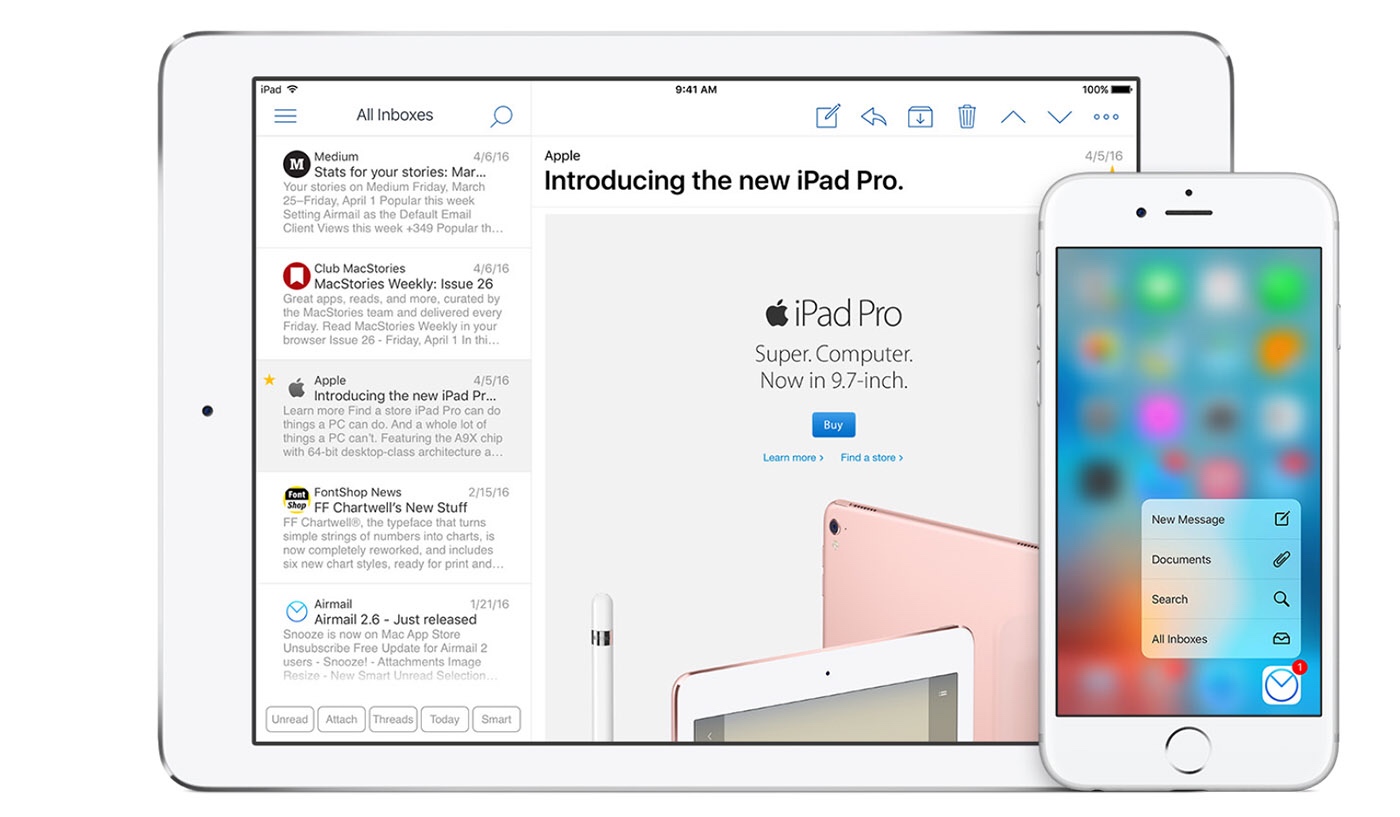
I use Airmail on iOS because it offers the easiest way for me to send a task to 2Do (my task management app of choice) and to Snooze an email so it comes back to me at just the right time and so that I don’t forget it. If those two reasons seem small or insignificant to you, then examine how you use email. Maybe Mail and copy/paste is good enough for you. Maybe you use email (tags, labels, folders) to keep your tasks and reminders organized. Let me be clear: do whatever works for you. But in my experience, email is for communicating with people and getting information. A dedicated task manager is for getting stuff done. I don’t want to have to retrieve information in my email system because inevitably when I’m looking something up I’ll either see another message that needs attention or some new message will come in and distract me from the task at hand.

How do you process email? Have you ever thought about it? Do you think your system could be more efficient?

If you’re looking for more details about Airmail, read Federico Viticci’s review on Macstories.

Train and Coach like a pro – all from an iPad

The first thing I recommend to take your business to the next level is buy an iPad. I am not trying to get anyone to switch phones or carries, but a tool that fulfills end-to-end aspects of an allied health business like personal training or sport-specific coaching is going to certainly up your game. That tool is an iPad.

I work with some old-school trainers. They keep all of their workouts, contracts, and notes in a three-ring binder. Fine, if it works for you than run with it. Not me. And probably not you. That’s why you’re here. Why would you use written notes and eliminate the ability to copy and paste? Why would you not have the ability to email or text message a workout to a client? Why would you have files and notes that couldn’t be searched on a computer, tablet or phone? Don’t get me wrong, I love my analog notebook. But as a professional tool, everything that can be digital should be digital. And the single best digital tool for this is an iPad.

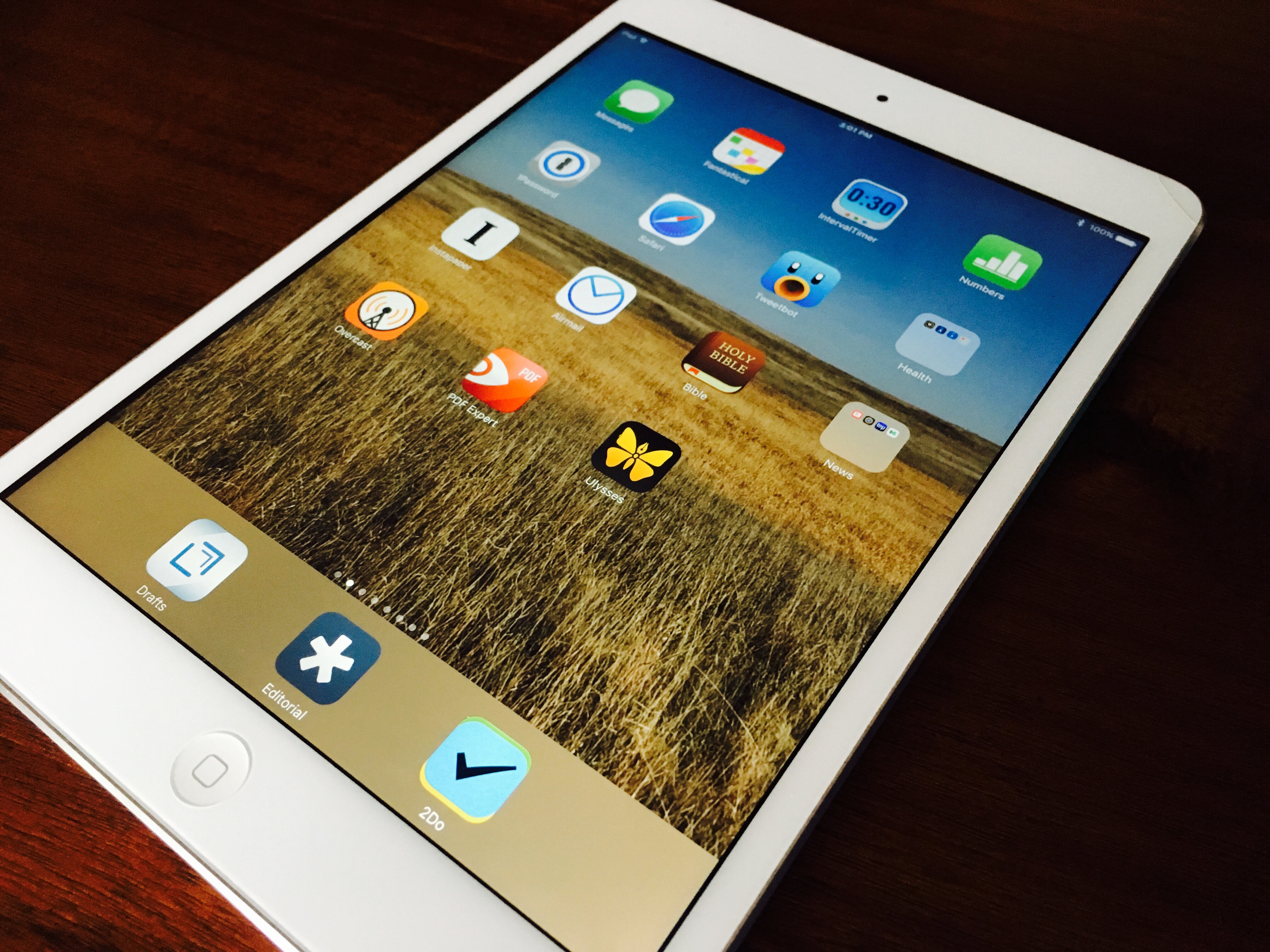
You might be thinking that an iPad is a toy or a luxury. Certainly it can be those things. But for me the iPad is my primary device. In fact there are entire communities built around iOS-only computing. I communicate with all of my clients using email or iMessage. I schedule everyone on my Google calendar. I create every exercise program in Numbers. And I use Interval Timer 70-80% of the time during my training sessions. You can’t do this on a computer and you don’t have the screen space to efficiently do this on an iPhone (even a “plus” size model). My services are conducted from end-to-end on an iPad: from the moment I meet a client, conduct their medical history, design and implement their program, and follow up on how their workout week is going, working on an iPad is one of those things where when you start you will never go back.

This new project of mine, Tech Trainer, exists to help personal trainers, athletic coaches, and other allied health professionals completely run their business on iOS. I believe it is very important to always ask “what is the best tool for the job” and then to maximize your workflows to consistently deliver the best service possible. For me, the iPad has allowed me to do all of that and more.

Get yourself an iPad. There are pros/cons of the different models, but don’t spend too much time here. If you were going to start on the cheap, pick up what I’m using – an iPad Mini 2 for $269. The latest iPad Mini 4 is just $399. That is my minimalist approach. If you want “full size” the iPad Pro starts at $599 and supports Apple Pencil and is very fast. For a completely digital experience and all the best apps available, the iPad is an essential tool in my professional life.

The Last Twelfth

Sure, ‘twelfth’ is a weird word but it fits here. Yesterday marked the start of the last 1/12 of the year. December 1st means I get to sing Christmas songs to my kids for bedtime, play Christmas music 24/7, and most importantly drink egg nog. At the same time it’s that last lap of the year when the end is certainly in sight. I’ve learned to start my reflections early because I want to avoid that December 31st or January 1st temptation to completely revamp my life with new year resolutions.

Enough of the backstory. It’s always a good time to reflect, adjust, and plan. For me that has been a beautiful balance of executing my projects at work, building my personal projects, and thinking about the health of my family. What’s going well? What needs to improve? To be honest I ask myself those questions very often but it is the executing part that I always feel could improve. Do you feel that way too? Are you happy with what you produce or move forward on any given week or month?
Title

November was especially productive because I got Tech Trainer planned out and published the first post, I developed a new tradition with the kids, and moved three big work projects downfield. Like publishing this blog post, it feels great to move things forward. But it’s kind of like exercise for many of my clients: they identify how good it makes them feel but it’s often very difficult to execute, hit publish, or ship that product.

Here’s to the last twelfth. May it finish well and look as healthy as the first twelfth.

Introducing Tech Trainer

Editor’s Note:
I’m working on a new project called Tech Trainer. It is a writing project that focuses on using technology in the allied health fields. As a personal trainer I have leveraged a lot of technology (both workflows and apps) to be productive and efficient with my work and it’s time to open the conversation.

The following was written to be a stand-alone domain but until I get at aspect figured out I decided to publish it here on my personal blog.

Why Tech Trainer?

I absolutely love what I do and I’m guessing you’re an exercise professional who feels the same. We are the lucky ones, doing what we love and getting paid for it. But it is hard work. Put more fully, we all could do our job a little better, a little more effiiciently. In our digital world, how do we leverage all the technology that year year is getting better and cheaper? That is why I started Tech Trainer. Because I have spent my career bringing my expertise in exericse together with my passion for cutting edge technology.
Title
Time is money. As a personal trainer I work on commission. Any time that I spend working on clients’ programs, communicating and/or scheduling with clients, or developing a new class or small group is time that I’m not getting paid for. So I need to be using the best tools so that I can be both fast and efficient. While much of this can be copy and paste, automation on iOS has evolved to be faster and more powerful. There are better apps for the job and as a cutting edge tech guy, I’ve spent a lot of time learning how these apps work and how a personal trainer can leverage them to be fast and professional.

I don’t expect readers to adopt all of my advice. But Tech Trainer is a forum where we can establish best practices and share other tricks of our trade. My goal is to help any trainer who wants to be more efficient with their business learn the tools here, practice them and then report back what is working and how we can take the industry to the next level.

Tech Trainer is based on iOS and macOS. I’ve never used an Android phone or tablet for this work. I’ve used an Android phone at a previous job and it had a couple advantages: Google voice-to-text was fantastic and the Swipe keyboard was awesome. But my personal phone has been an iPhone for seven years and I’ve had an iPad for six. I had the first generation iPad because I could see the vision: iPad was the future of mobile computing. The apps weren’t there yet, the operating system was a sub-par, but I trusted Apple – I always have and probably always will.

This project is about using iOS because I believe it is a superior operating system with superior apps. The community around iOS is fantastic. I follow some great developers on Twitter and read expert blogs on the iOS platform. Let’s not create a Android/iOS war here. I’m just drawing lines in the sand – we are going to share how iOS and macOS can make us better professionals.

Running a business means wearing many different hats. I image this blog will evolve into a review of apps, sharing of workflows, and even marketing ideas that will resonate with the community. I got into the health care field because I want to make people’s lives better and live longer and stronger. Part of the way I do that is equipping the trainers that are doing the same thing for their clients. This is Tech Trainer.

Final lap, memorizing Romans 12

I use YouVersion for reading the Bible. It’s always with me and as I’ve been memorizing Romans 12, I’ve enjoyed turning small chunks of the passage into pictures for my camera roll.

I’ve said this in my life group over the last eight weeks or so: I’m not a “memorize Scripture” kind of guy. Katie has usually been better at memorizing than me. Her mom did it all the time. It’s never been a practice of mine but when my pastor highly recommends a spiritual discipline, I listen. This time I obeyed.

Alt text
It all started with one verse. Going into it I felt stretched. Thirteen verses is a lot! There were two significant set backs. This section seemed like a natural break and I remember it being a challenge to memorize.

Alt text
Alt text

Then when I went to South Dakota for my pheasant hunting trip , I really thought I’d have more time to be alone and make some great progress on the passage. Instead I probably regressed a little bit.

Two weeks later, I’m posting this image of the entire passage because I feel confident that more times than not I have it committed to memory. I am not done, but I am on the final lap.
Alt text